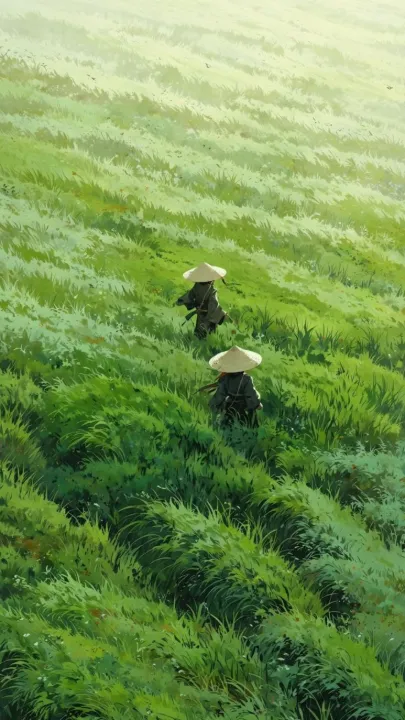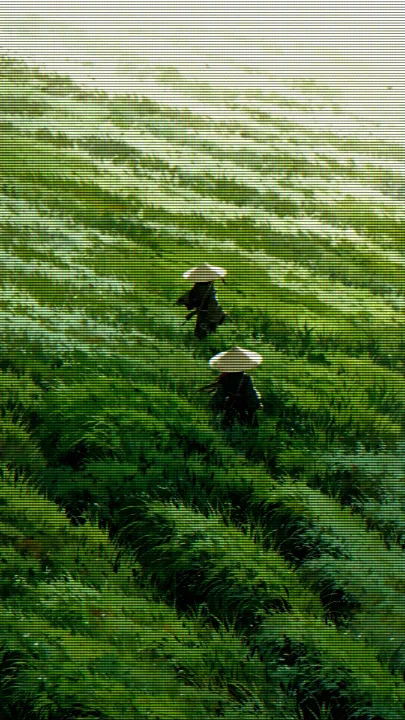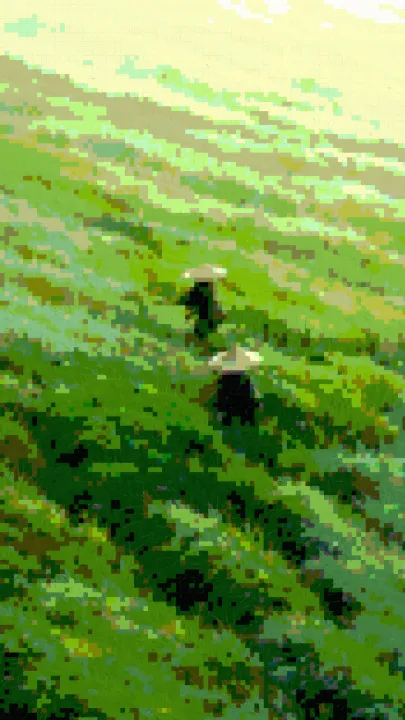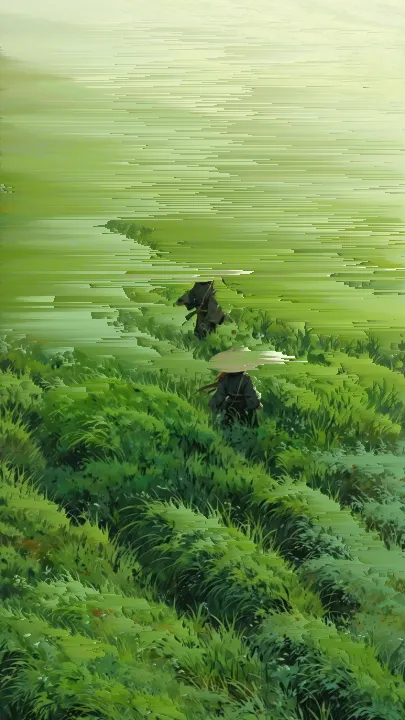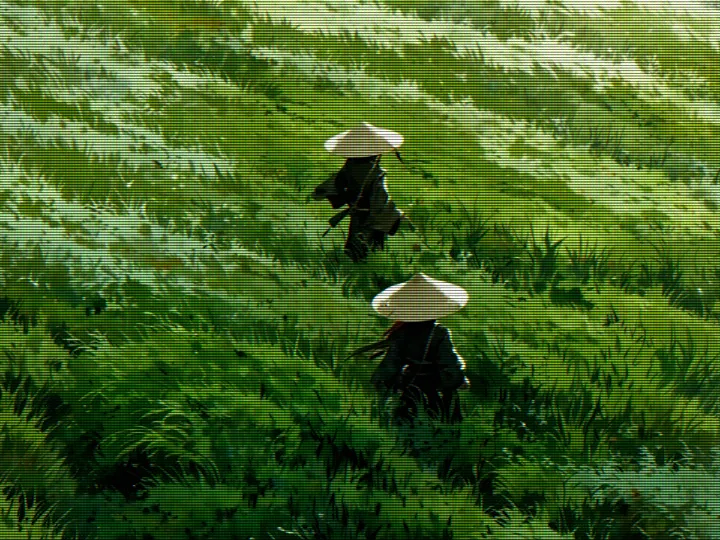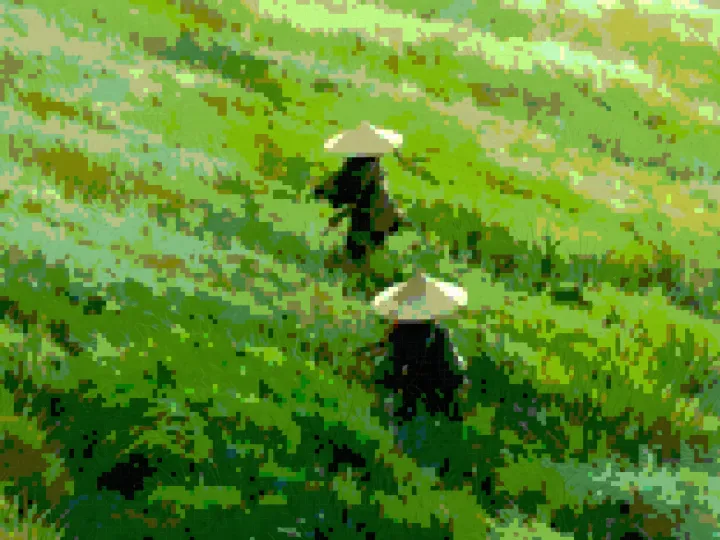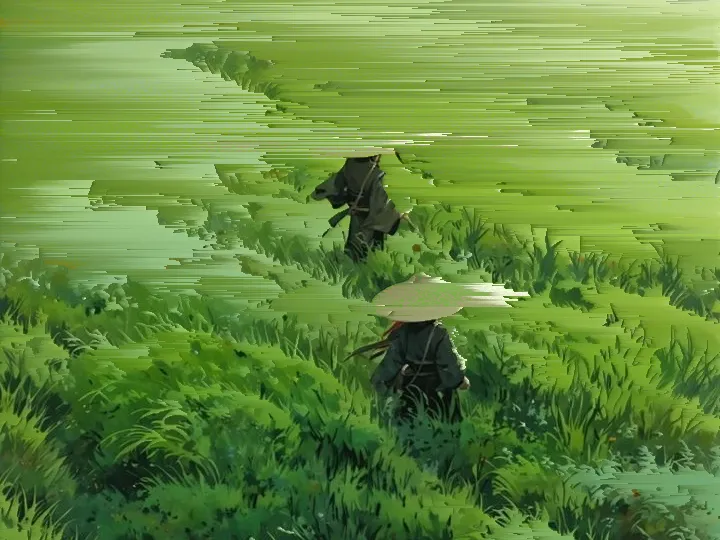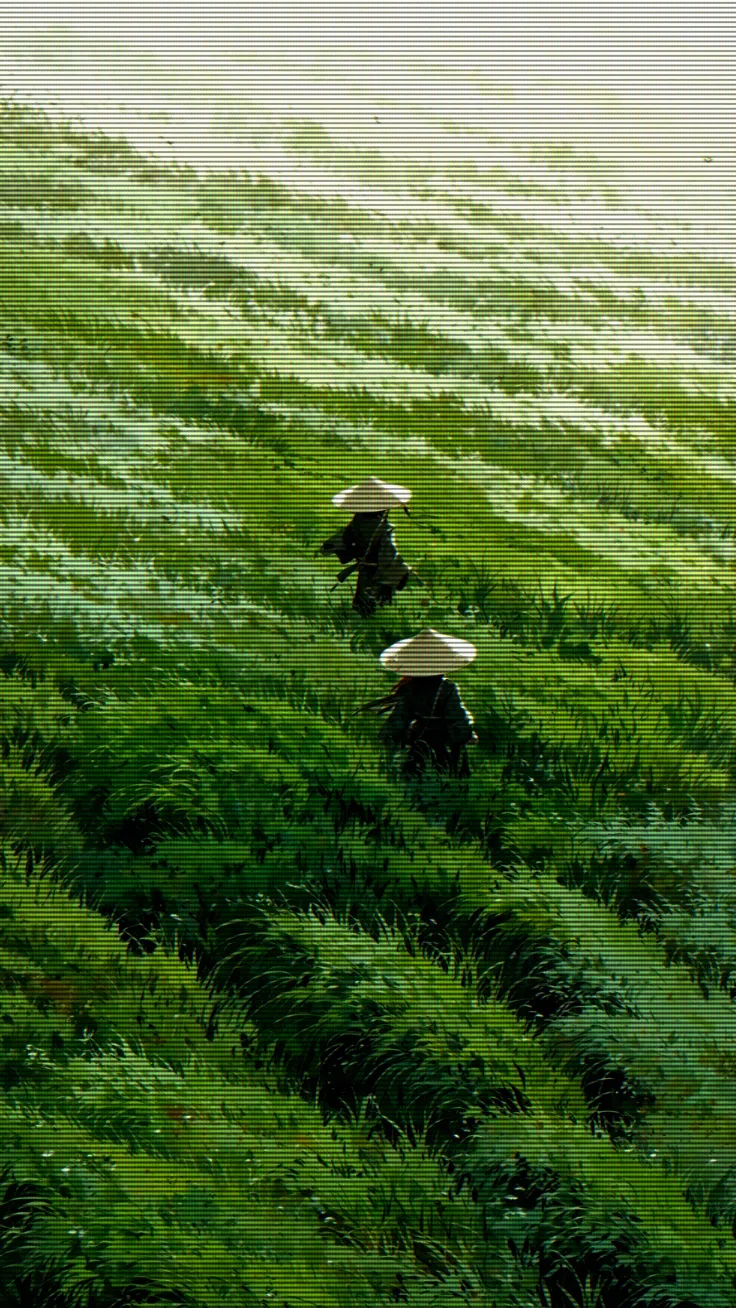
How to add a CRT scanline effect online
- Drop a photo onto the canvas, paste it, or click to choose one. It never leaves your browser.
- Pick CRT Scanlines, then move Detail: higher packs the scanlines tighter, lower spreads them into thick bands.
- Export the PNG. No account, no watermark.
How the CRT effect works
A flat stripe mask over a photo reads as stripes, not as a television. A cathode-ray tube looks the way it does because four things happen at once, and this filter models each of them in a single pass over the pixels:
- Scanlines. Each row is multiplied by a cosine wave rather than a hard on/off stripe, because the gap between lines on a tube is a falloff, not a switch. Row brightness swings between 100% and about 24%, so the dark lines never go fully black. On a 1400px image the line pitch runs from 2px (Detail 100) to 9px (Detail 0), and it scales down with smaller images.
- Aperture grille. Columns cycle through red, green and blue. In each column the matching channel is lifted by roughly 20% and the other two are pulled down by 5–8%, which gives the fine vertical RGB texture you see up close on a Trinitron-style screen.
- Colour misregistration. Red is sampled about one pixel to the left and blue about one pixel to the right, while green stays put. Hard edges pick up a red fringe on one side and a blue fringe on the other — the colour bleed people associate with VHS tapes played on an old TV.
- Phosphor bloom. Pixels brighter than roughly two-thirds of full scale are copied into a glow map, box-blurred horizontally and then vertically, and added back on top of the scanlines. That is why highlights glow and spill across the dark lines, and it is the tell that makes the frame read as a tube rather than a pattern.
| Slider | What it controls | Practical range |
|---|---|---|
| Detail | Scanline pitch | 70–100 for a fine monitor, 20–50 for thick TV lines |
| Intensity | Blend against the original | 90–100 for a full tube look, 50–70 for a subtle overlay |
| Contrast | Tone curve on every channel, and which highlights pass the bloom threshold | Raise it for more glow on night and neon shots |
The filter uses no randomness: no noise, no tracking bars, no screen curvature and no date stamp. The same photo and settings always give the same frame. Two related filters sit on this page because they cover what usually fed a CRT: Pixel Crush averages the image into blocks and cuts each channel to five levels, like a low-resolution console signal, and Pixel Sort smears rows horizontally, like a tape losing tracking. Filters do not stack in one pass, so to combine them, export the PNG, drop it back in and apply CRT Scanlines last.
Everything runs in a Canvas 2D buffer inside your browser. The image is never uploaded, and the PNG export keeps your image size up to a 1400px long edge.
Best for
- Instagram and other social posts with an old-TV look
- Synthwave, vaporwave and retro gaming posters
- Album and single covers
- Making game or app screenshots look like they are on a CRT