<Texture Studio

Pixel Art Converter

[ 8-BIT / RETRO PIXEL ]
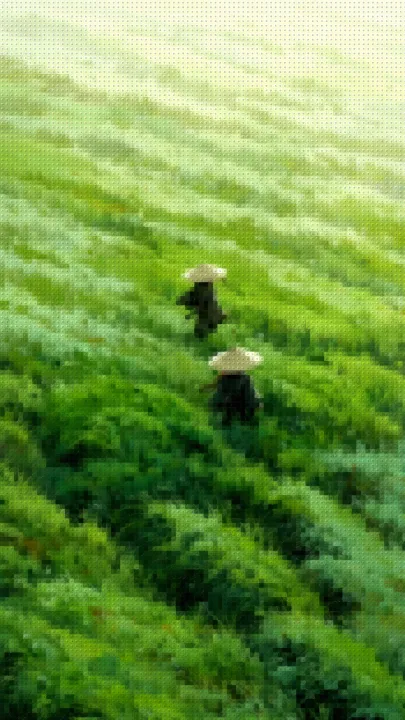
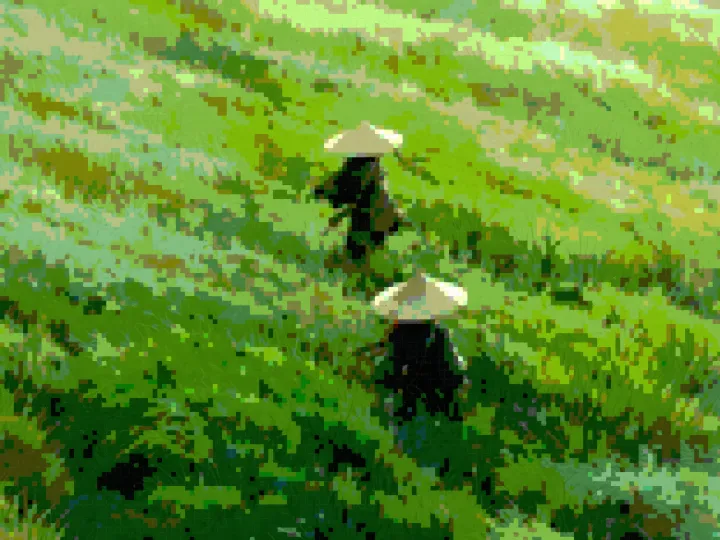
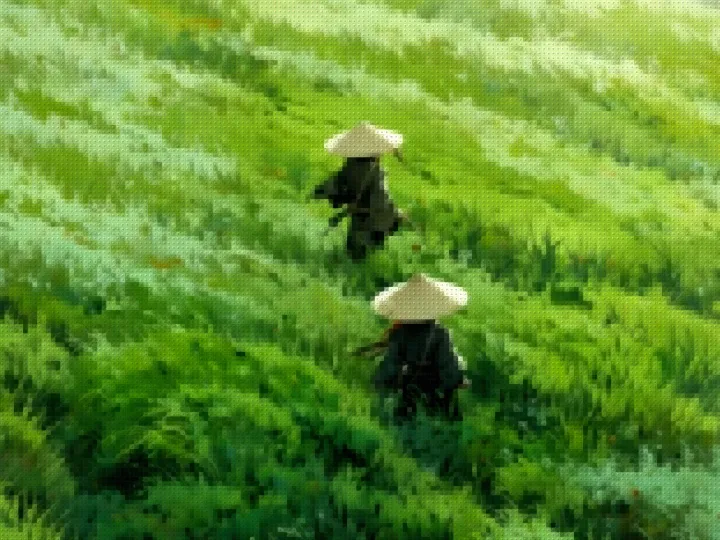
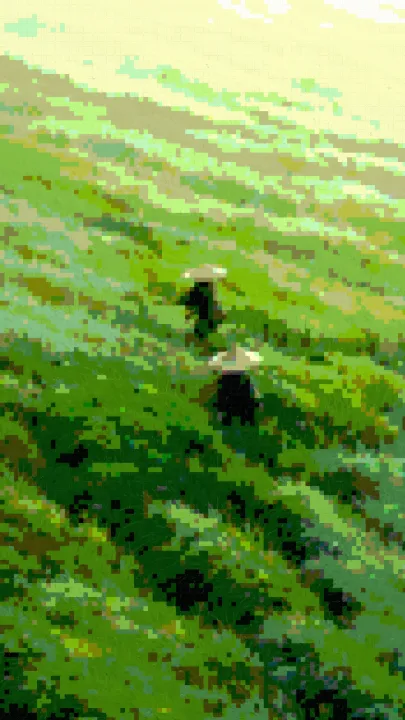
Pixel Crush applied to the sample photo

Convert a photo into pixel art

Make a retro avatar, game-style poster or blocky cover image from a photo. This pixel art converter redraws the image as square colour cells rather than sorting pixels into streaks. It runs entirely in your browser with Canvas 2D; your photo stays on your device.

  1. Drop in a photo, paste it, or click to choose a file.
  2. Select Pixel Crush. Lower Detail for larger blocks, raise it for finer detail, then adjust Intensity and Contrast.
  3. Export a watermark-free PNG, up to a 1400px long edge. Smaller images keep their dimensions.

Four retro looks to try

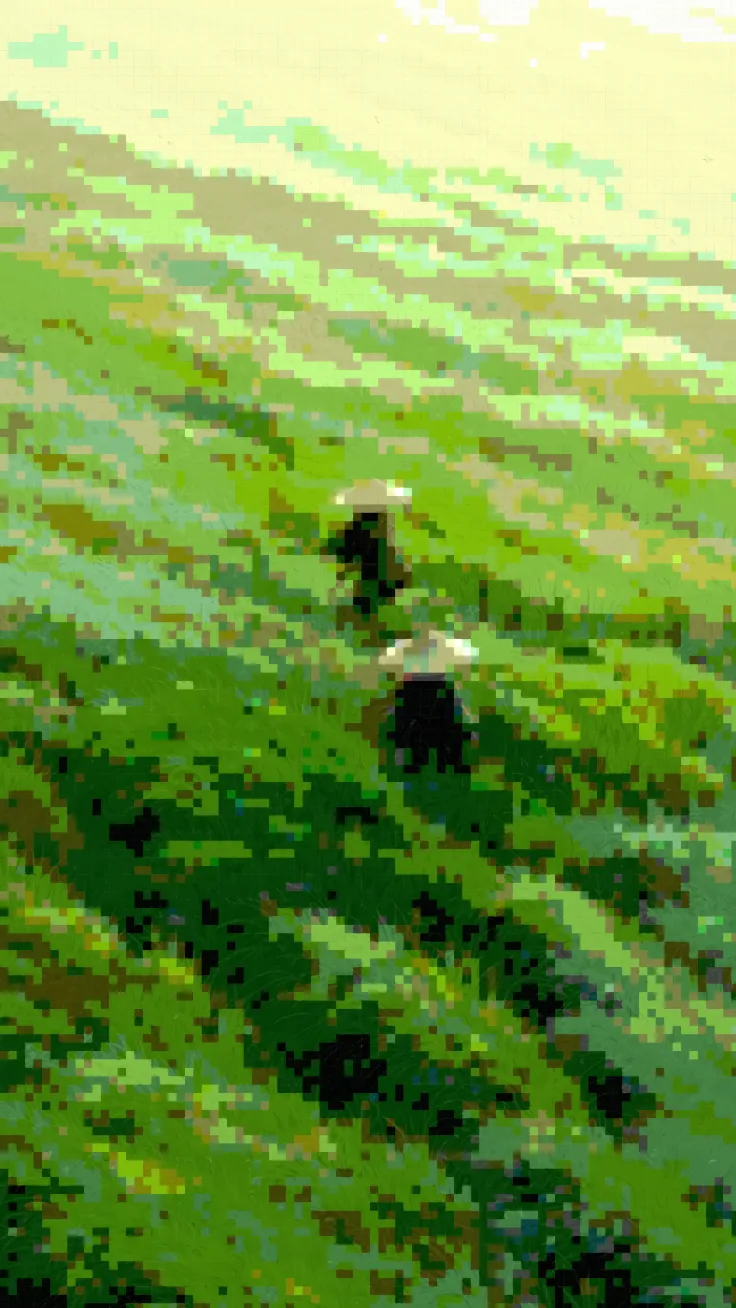
  • Pixel Crush: square blocks with each RGB channel reduced to five levels for a pixel-art look.
  • Tessera: mosaic tiles using the photo's colours, with visible gaps between tiles.
  • Studwork: toy-brick blocks with circular studs for a raised surface.
  • Bitgrain: Bayer ordered dithering that reduces colour levels and adds a repeating dot pattern.

Each of Pixel Crush, Tessera and Studwork samples the average colour across each cell, while Bitgrain samples through a Bayer matrix. Detail changes the cell size; Intensity controls the effect's blend with the original. The studio applies one filter at a time. “8-bit” describes the retro style, not a guaranteed 256-colour palette or game-ready sprite format. For two-tone output, try the Grain filters in the 1-Bit Dither converter.
> Examples

The same illustration run through this page's filters at their default settings — rendered by the exact engine above, not mock-ups.

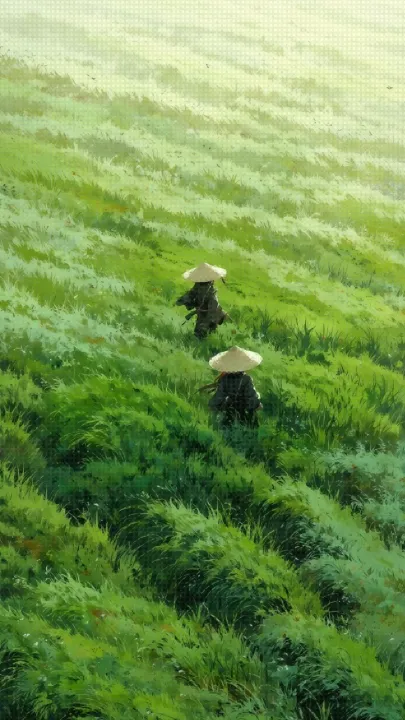
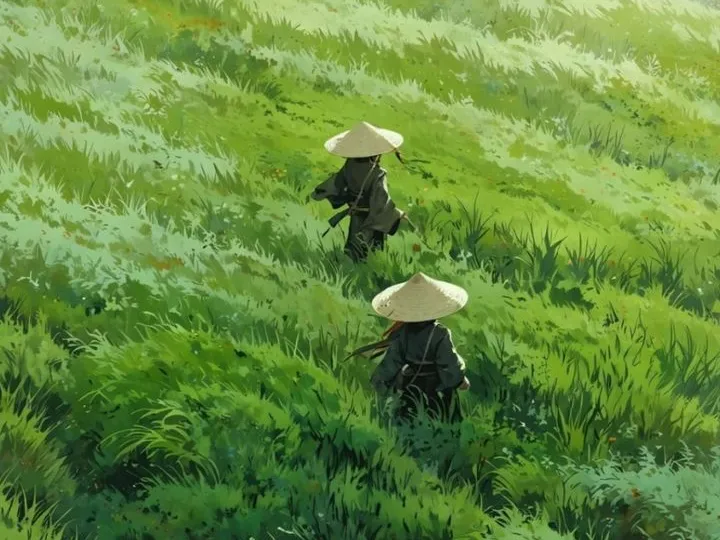
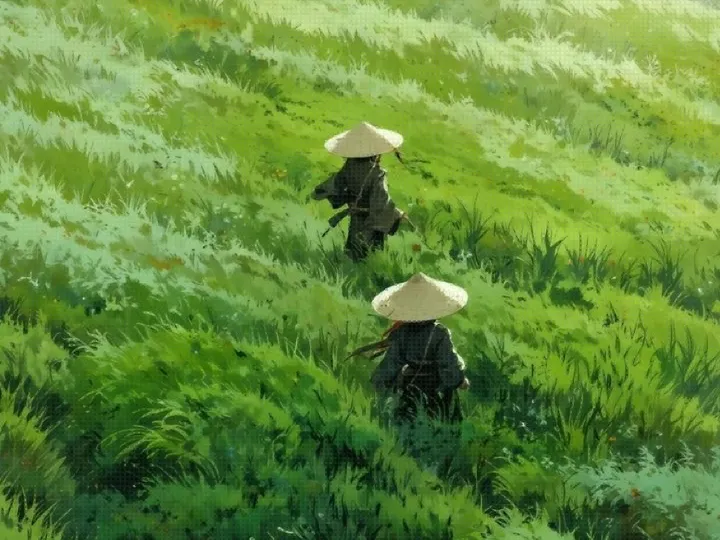
Illustration of two travellers in straw hats crossing a wind-swept grassy hillside — original image before any filter
Beforeoriginal, no filter
Illustration of two travellers in straw hats crossing a wind-swept grassy hillside, after the Pixel Crush filter — crushed into 8-bit pixel blocks
Pixel Crushcrushed into 8-bit pixel blocks
Illustration of two travellers in straw hats crossing a wind-swept grassy hillside, after the Tessera filter — square mosaic tiles
Tesserasquare mosaic tiles
Illustration of two travellers in straw hats crossing a wind-swept grassy hillside, after the Studwork filter — toy-brick studs
Studworktoy-brick studs
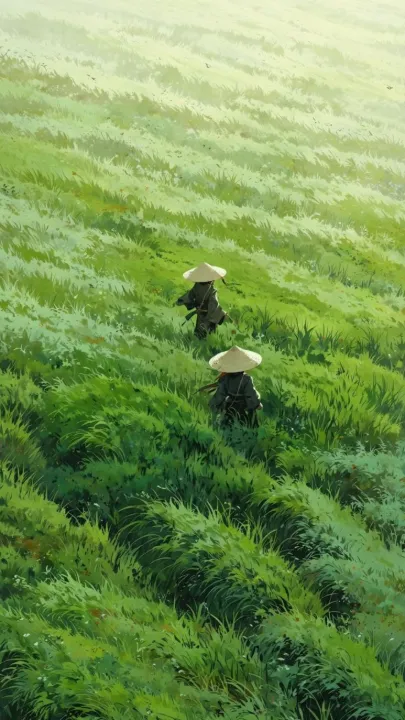
Close crop of the two straw-hat travellers walking through tall green grass — original image before any filter
Beforeoriginal, no filter
Close crop of the two straw-hat travellers walking through tall green grass, after the Pixel Crush filter — crushed into 8-bit pixel blocks
Pixel Crushcrushed into 8-bit pixel blocks
Close crop of the two straw-hat travellers walking through tall green grass, after the Tessera filter — square mosaic tiles
Tesserasquare mosaic tiles
Close crop of the two straw-hat travellers walking through tall green grass, after the Studwork filter — toy-brick studs
Studworktoy-brick studs

> Frequently Asked

How do I turn a photo into pixel art online?
Load a photo and choose Pixel Crush. Lower Detail to make bigger blocks or raise it to keep more facial and edge detail. Adjust Intensity and Contrast, then export the PNG.
Is this pixel art converter free and private?
Yes. All four filters and PNG exports are free, with no account or watermark. Canvas 2D processes your image locally in the browser; the photo is not uploaded.
Can I export a 32×32 sprite or choose a fixed 8-bit palette?
No. Export keeps the input dimensions up to a 1400px long edge, and Detail changes block size rather than output size. Pixel Crush quantises fill colours to five levels before blending with the original by Intensity; it does not offer a custom palette, fixed 256-colour output or sprite-sheet export.
How is pixel art conversion different from pixel sorting?
Pixel art conversion averages colours into square cells. Pixel sorting rearranges brightness-threshold runs along rows or columns to create stretched glitch streaks. Use Pixel Sorting Online for that melt effect.

Images are processed in your browser and never uploaded. The site keeps anonymous usage analytics (page views, chosen filter, file size) — never pixel data.