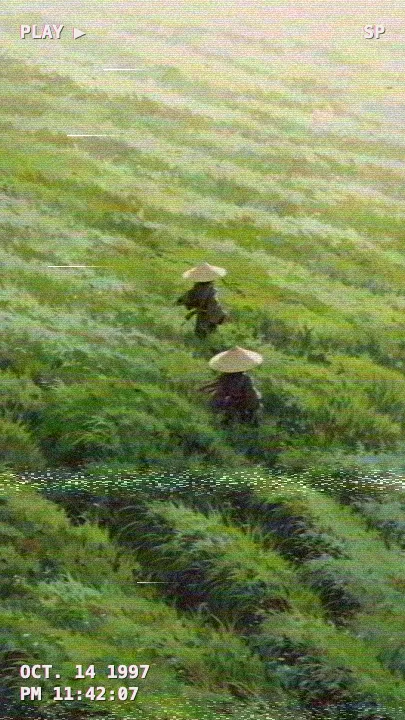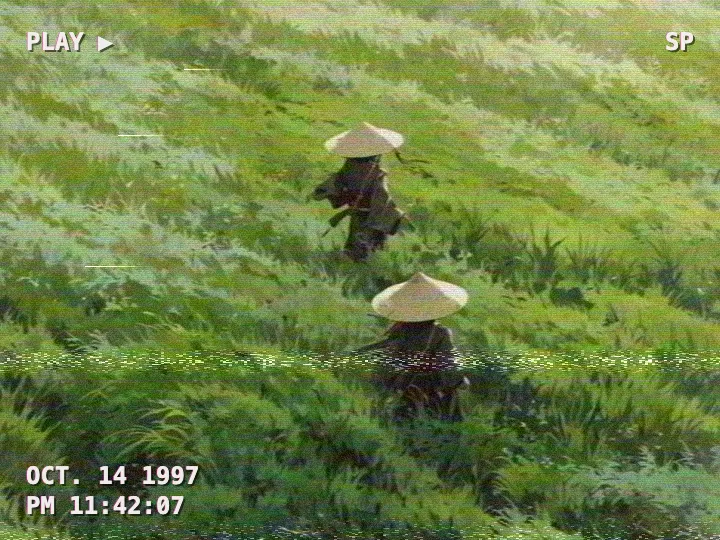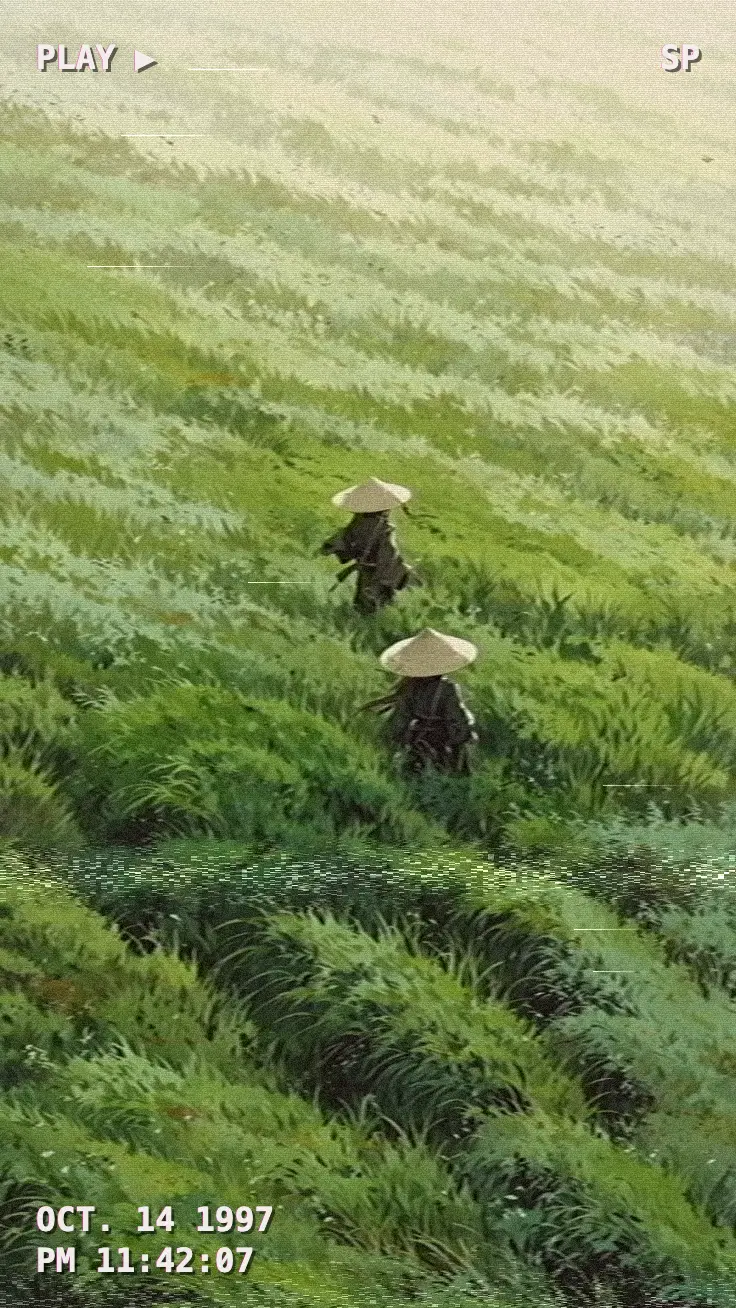
How to add a VHS timestamp to a photo
- Drop a photo onto the canvas, paste it, or click to choose one. Everything stays in your browser — nothing is uploaded.
- Pick PLAY ▶ (playback screen with SP) or ● REC (recording screen with a red dot and battery icon), then edit the Date & time field to any year, month, day and second.
- Tune Detail if you want a cleaner or more worn tape frame behind the stamp, then export the PNG. No account, no watermark.
What makes a camcorder date stamp look authentic
Typing white text in a corner rarely passes for a 1990s camcorder frame. Real VHS on-screen displays (OSD) went through the same low-bandwidth video output as the tape itself, so this VHS date and time generator models both the layout and the signal bleed:
- Classic camcorder format. The bottom-left stamp prints an uppercase month abbreviation, day and year above a 12-hour AM/PM clock with seconds (for example,
OCT. 14 1997/PM 11:42:07) in crisp monospace VCR typography. - Two authentic OSD modes. PLAY ▶ pairs the date with
PLAY ▶at top-left andSP(Standard Play tape speed) at top-right. ● REC swaps in a live red recording dot and a three-bar battery indicator. - Signal-matched colour fringe and shadow. Instead of floating cleanly above the picture, every character is drawn with a hard drop shadow and a subtle magenta chroma shift to the left so the timestamp sits inside the VHS frame.
- Automatic file date, freely editable. Loading your own photo seeds the picker with that file's timestamp, and you can roll it back to 1989, 1997, or any exact second you want — or untick Camcorder text to hide the overlay while keeping the tape look.
| Control | What it sets | Practical tip |
|---|---|---|
| PLAY ▶ / ● REC | Top-bar camcorder mode | Use PLAY ▶ for found-footage stills, ● REC for live-viewfinder shots |
| Date & time | Exact year, date, hour, minute and second | Roll back to 1990–1999 for an authentic home-video date |
| Detail | Tape wear behind the date stamp | 80–100 for a cleaner photo under the stamp, 20–50 for a worn rental tape |
| Intensity | Overall blend of the VHS look and OSD text | Keep at 90–100 for a crisp, legible timestamp |
Everything runs locally in Canvas 2D and exports a still PNG up to a 1400px long edge. Want to read more about the tape signal pipeline? See the VHS Effect Online page. CRT Scanlines is also available on this page if you want to add television scanlines on a second pass.
Best for
- 90s home-movie and nostalgic travel photo dumps
- Mixtape covers, indie singles and lo-fi YouTube thumbnails
- Found-footage, Y2K and analogue-horror edits
- Adding a custom date stamp to party or disposable-style photos